Through subtle adjustments, graphic designers can make simple images beautiful and memorable. Poppie Pack, a senior graphic designer at Canva, created 50 excellent graphic design tips communicated with beautiful images that show exactly why those tips work so well. We’ve selected 14 of our favorites to share with you.
For the layman, these images will throw some light on how graphic design decisions are made and how imperceptible some of them may be to the untrained eye.
More info: canva.com | Facebook | Twitter | Instagram (h/t: designtaxi , demilked )
Use Light And Bold Font Variants For Emphasis And Impact
graphic-typeface-design-beautifully-illustrated-tips-poppie-pack-1
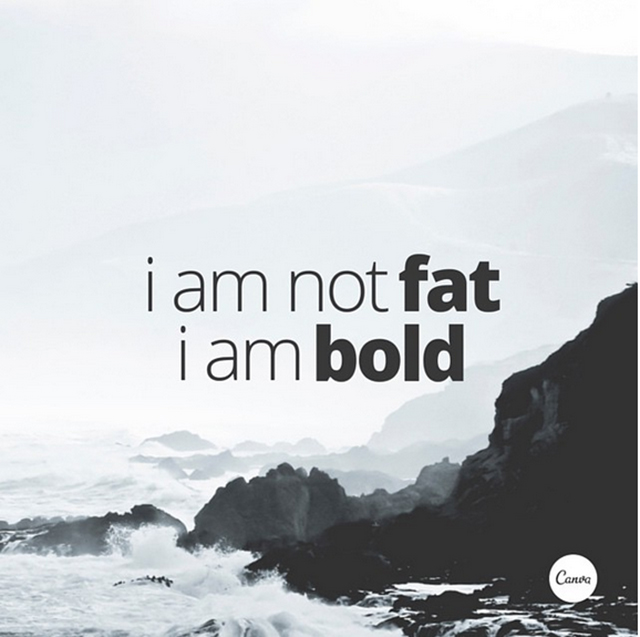
Crop Images To Let Them Act As Background Textures
graphic-typeface-design-beautifully-illustrated-tips-poppie-pack-2

Typefaces Have Personalities Too. Make Sure You Represent Your Message With The Right Fonts
graphic-typeface-design-beautifully-illustrated-tips-poppie-pack-3

Choose A Geometric Typeface Teamed With An Elegant Serif For A Happy Pairing
graphic-typeface-design-beautifully-illustrated-tips-poppie-pack-4

Apply A Grid To Create A Clean Composition, Using One Of The Photo Holders As A Text Box
graphic-typeface-design-beautifully-illustrated-tips-poppie-pack-5
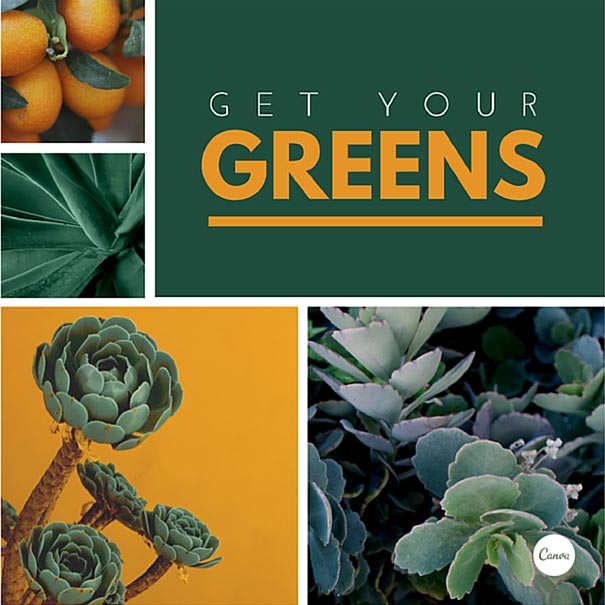
Contrasting Typefaces Make A Great Duo
graphic-typeface-design-beautifully-illustrated-tips-poppie-pack-6
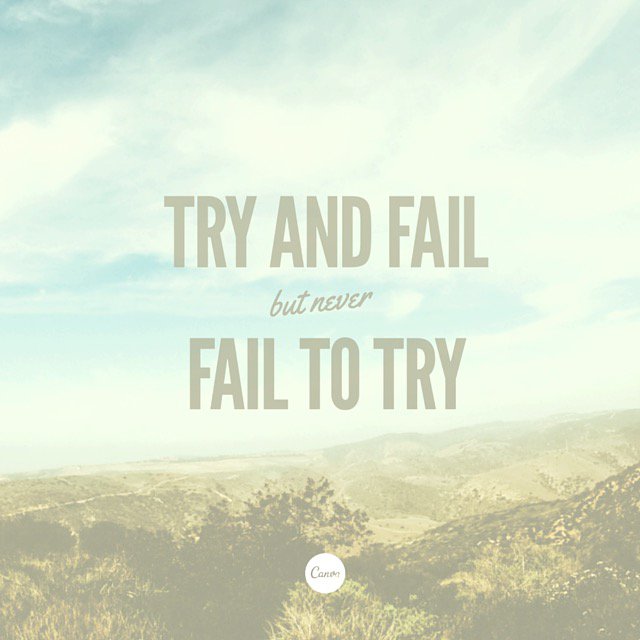
The Placement Of Text Is A Crucial Element. Make Sure To Break Your Lines Up The Way It Should Be Read
graphic-design-beautifully-illustrated-tips-poppie-pack-7
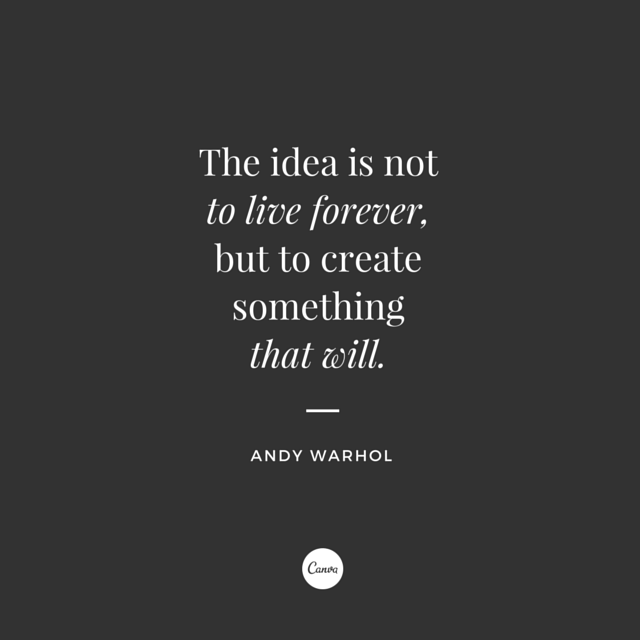
Create Clever Compositions By Letting The Features Within Images Guide Where To Place Your Type
graphic-typeface-design-beautifully-illustrated-tips-poppie-pack-8
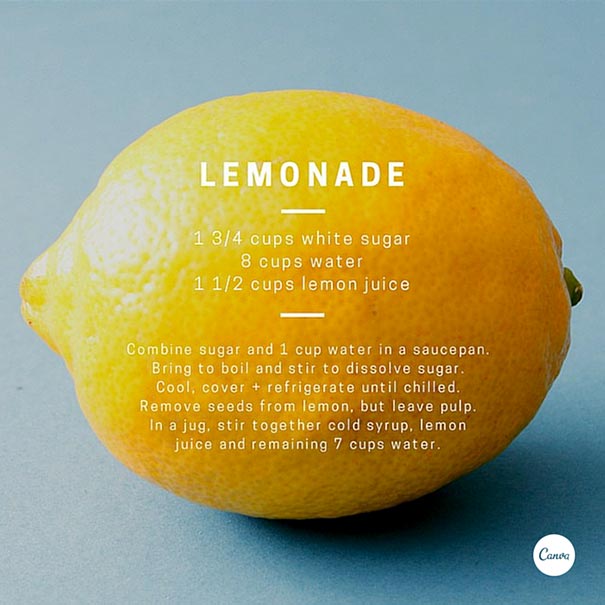
Use Shapes To Create Contrast And Offset Your Text From Your Background Image
graphic-typeface-design-beautifully-illustrated-tips-poppie-pack-9
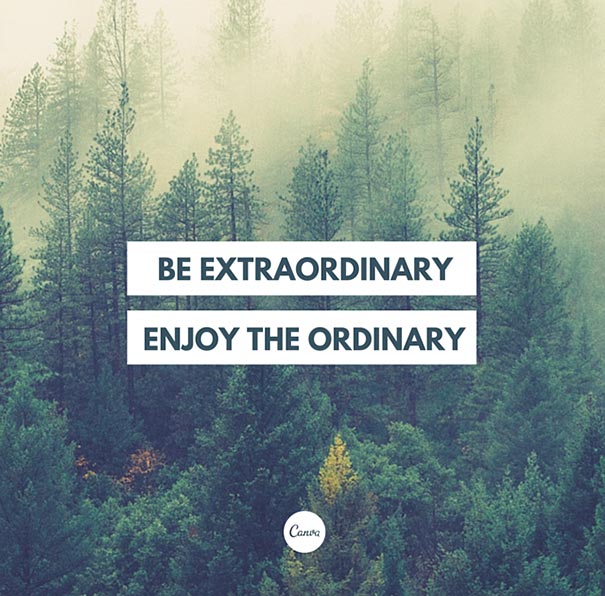
Make Beautiful Collages With Your Favorite Photos Using Grids, Ensure To Apply The Same Filter To Each Image For Consistency
graphic-typeface-design-beautifully-illustrated-tips-poppie-pack-10

Apply A Tint To Your Image The Same As Any Block Color In Your Design For Consistency
graphic-design-beautifully-illustrated-tips-poppie-pack-11

Aesthetics! Composition! Adjust All The Elements In Your Graphic So They Are On Corresponding Angles
graphic-design-beautifully-illustrated-tips-poppie-pack-12
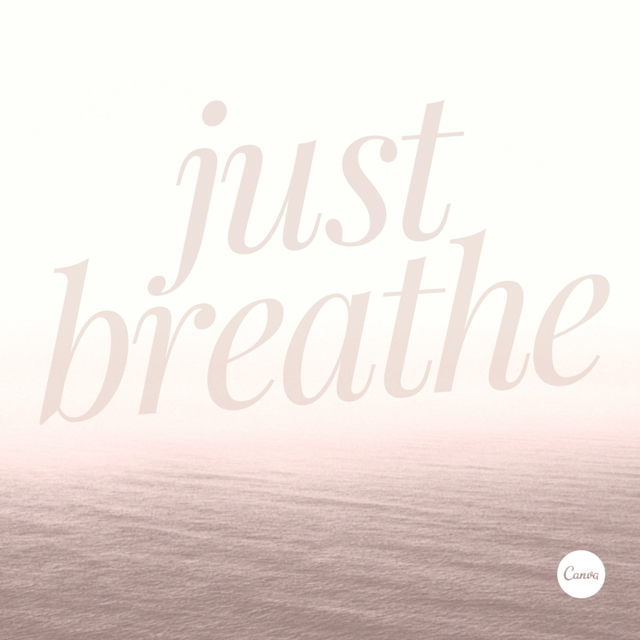
Use The Combination Of A Tint And X-process To Create Two-tone Filter Effects
graphic-typeface-design-beautifully-illustrated-tips-poppie-pack-13

Use Areas With Clear Space In Your Images For Creative Ways To Include Text
graphic-typeface-design-beautifully-illustrated-tips-poppie-pack-14

Use Strong, Geometric Typefaces To Amplify Your Message.
graphic-design-beautifully-illustrated-tips-poppie-pack-13

Anyone can write on Bored Panda. Start writing!
Follow Bored Panda on Google News!
Unlock an Enhanced Experience with Bored Panda Premium
Go ad-free, access unlimited content, and enjoy our sleek dark mode. Your favorite stories, uninterrupted.

No fees, cancel anytime

Olympian Makes Stunning Admission After Judge’s Conspicuous Scores Ignite Cheating Accusations

